
Never trust an LLM with
your general ledger.
Most invoice AI guesses. InvoiceJet extracts invoice data, cross-checks the math, and only asks for your eyes when the numbers do not tie out.
10 free invoices a month. No card. No sales call.
Run a sample invoice
Three invoices, from clean to messy. Run one, then click any value to see the text it was read from and why it got its confidence level.
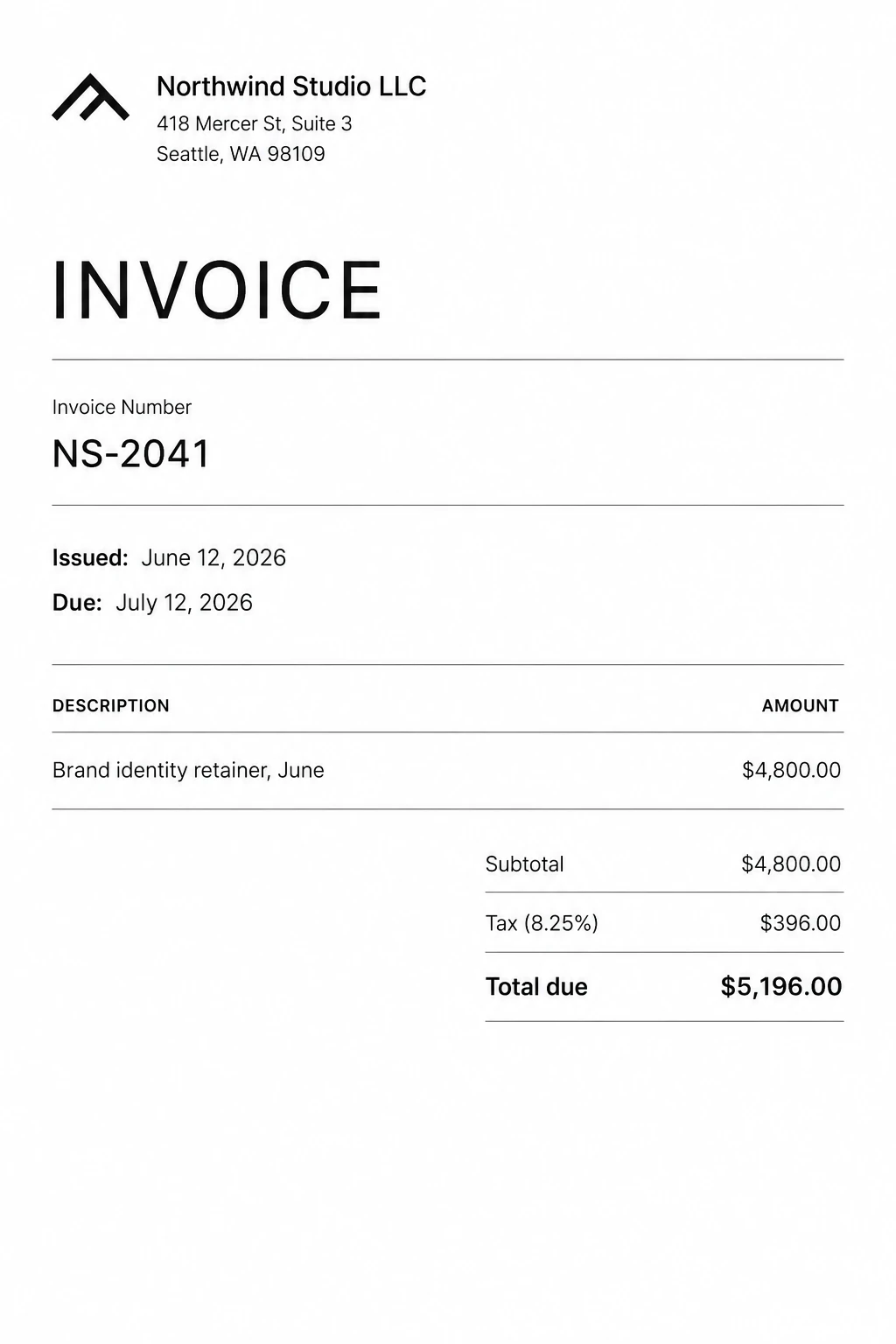
A clean PDF.
Printed text, a stated tax rate and totals that add up. This is the invoice nobody should have to look at twice.
Illustrative walkthrough built from the sample invoices shown. Not a live upload.
Try your own invoiceHow it works
Built for the person who touches every bill: owners, bookkeepers and office managers who'd rather not retype invoices into QuickBooks on a Friday.
Step 1
Forward the bill, or drop it in
Forward vendor emails to your InvoiceJet address, add a +tag for each client, or drag in a PDF or phone photo. Developers can POST to the API.
Step 2
We read it twice and check the math
Two AI models read every field. If they disagree, or the line items, tax and total don't add up, the invoice is flagged instead of guessed.
Step 3
Confirm what's flagged, then export
Clean invoices clear on their own. You check the one with the handwritten suffix, then export CSV for QuickBooks or Xero, or JSON.
What “verified” means: the models agree and the required math checks pass, including line-item sums and subtotal plus tax. It is a product status, not a guarantee that every value is right. Anything uncertain goes to review.
Clean invoices clear themselves
When every field is high confidence and there is no duplicate, the invoice is marked auto-verified and needs no clicks. Your time goes to the few that didn't add up.
Ask about your invoices. “What’s due in the next two weeks?” Every answer cites the invoice numbers behind it.
Everything after the extraction
Getting the numbers off the page is half the job. The rest is knowing what's due, not paying twice, and getting clean data into your books.
Upload, forward or POST
Drop files in, forward vendor emails to your private address, or use the API. A scanned PDF holding twelve invoices becomes twelve records.
A confidence level on every field
High, mid or low, with the source text attached, so you know which numbers to look at.
Duplicates and due dates
Same vendor, number and amount is flagged before you pay twice. Overdue invoices stand out, and a Monday email lists what's coming due.
Ask your invoices
Plain questions, answered from your own invoices, with the invoice numbers cited.
Export CSV or JSON
JSON and the API use ISO dates and numeric amounts. The line-item CSV follows the QuickBooks bill import layout.
Priced by volume. Every feature on every plan.
Start with 10 invoices a month for free. Pay when you need more.
Business
For high monthly volume.
1,000 invoices a month
Over 1,000 a month? Email support@invoicejet.ai
Every plan includes
- Upload, email forwarding and API ingestion
- Two AI models on every invoice, with per-field confidence and source citations
- Multi-invoice PDFs split into one record per invoice
- Duplicate detection and overdue tracking
- Email approvals and a Monday email of what's due
- Invoice AI chat with cited answers
- Tags per client or company, with filtered exports
- Vendor directory built from your invoices
- Signed webhooks and an events API
- API keys with read-only scopes
- CSV and JSON export
Questions a skeptic would ask
How accurate is it?
We don't publish an accuracy benchmark yet. High confidence requires two independent models to agree and the required math checks to pass. Uncertain fields are queued for review with their source attached. Verification is a product status, not a guarantee of accuracy.
What does "verified" mean?
The two models agree and the required math checks pass, including line-item sums and subtotal plus tax equalling the total. It does not mean a person certified the invoice or that every value is correct. Uncertain fields still need review, with the source linked on the original document.
What does it cost?
Free includes 10 invoices a month, no card required. Pro is $29 a month for 200 invoices; Business is $99 a month for 1,000. Yearly billing gives you two months free. Change or cancel your plan in Settings. For higher volume, email support@invoicejet.ai.
Are my documents used to train AI models?
No. We route only to providers under policies that prohibit training on your data. This is in our privacy policy.
What can I send it?
PDF, JPEG, PNG, HEIC (the iPhone photo format), or HTML, up to 15 MB, uploaded, forwarded by email, or sent through the API. A PDF holding several invoices is split into one record per invoice automatically.
Is there an API?
Yes. A full REST API with signed webhooks is live, with idempotent creates, rate-limit headers, and read-only key scopes. A Node SDK, CLI, and MCP server are coming soon. See the docs at app.invoicejet.ai/docs.
How is my data protected?
Encrypted in transit, private per-account storage, API keys stored only as hashes, signed webhooks, and self-serve export and account deletion. Details on the security page.
Bring your worst invoice.
The free plan covers 10 invoices a month, no card. Start with the one you trust least.